Dynamics 365 support models compared: retainer, block of hours and full managed service
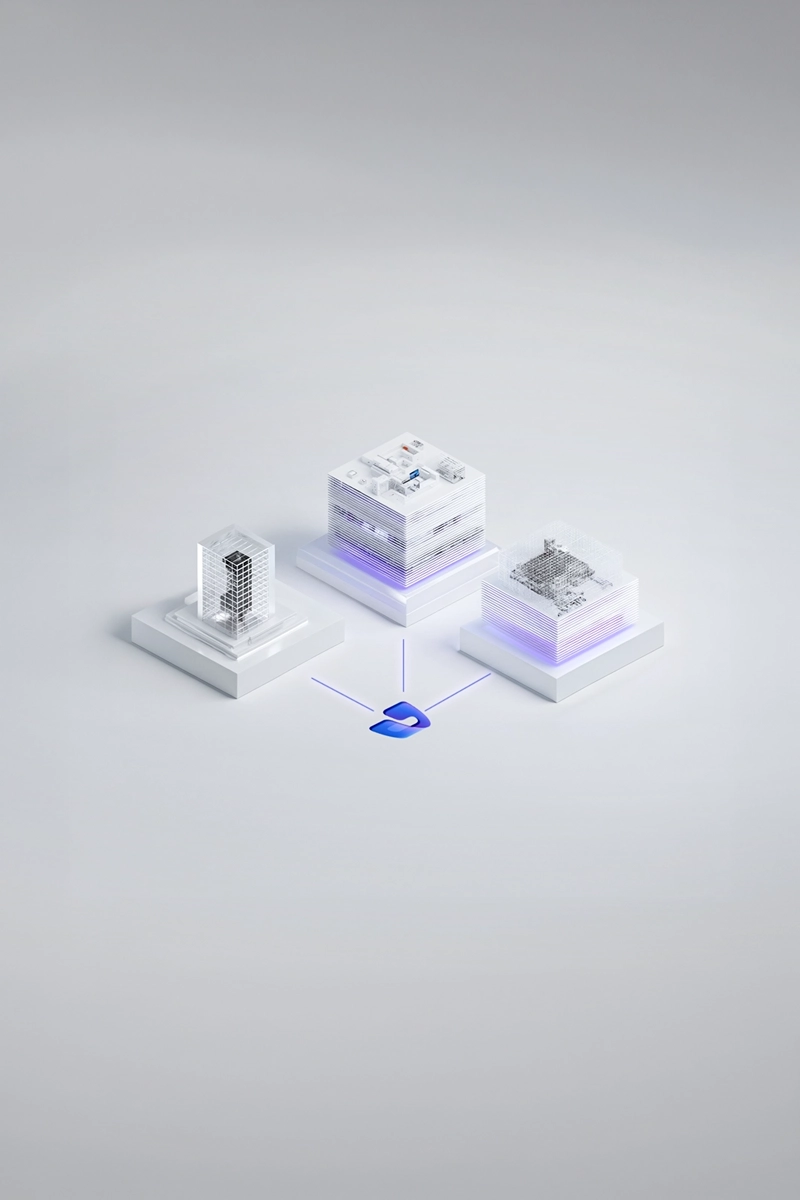
A block of hours suits a stable Dynamics 365 system with an internal team that handles most issues and needs a partner only for occasional expert work; a retainer suits companies that want guaranteed capacity and a known monthly cost but still direct the work themselves; and full managed service suits companies whose Finance and Operations system is business critical and who want one partner accountable for keeping it running, updated and improving. The choice is less about price per hour than about what each model rewards. Hours based models pay the partner for activity, while a managed service pays for a stable system, and that difference shapes behaviour long after the contract is signed. For most companies that run their finance and supply chain on Dynamics 365, a managed core is where they end up.
Most companies do not choose once. They start with intensive hypercare after go live, settle into a steady state, then grow the system as new entities, integrations and reporting needs arrive, and each stage favours a different model. This guide compares the three models on economics, incentives and hidden costs, shows which one fits which situation, and explains how to move between them without losing the knowledge that keeps a Dynamics 365 estate healthy. It is written for finance directors, CIOs and IT managers choosing or renewing a Dynamics 365 support partner, and it complements our separate guide to what the SLA itself should contain.
Key facts at a glance:
• Three models. A block of hours buys time, a retainer buys reserved capacity, and full managed service buys an outcome: a system that runs, is updated and improves.
• Incentives differ. Hours based models reward the partner for volume of work; a managed service fee rewards fewer incidents and less firefighting.
• Hidden costs sit in hours models. Unused hours expire in quiet months, and when different consultants pick up each ticket, the client pays for them to relearn the system every time.
• The right model changes. Hypercare, steady state and growth phases each favour a different mix, so the contract should allow a switch.
• Lowest total cost for critical systems. When the ERP is business critical, a managed service usually costs less over three years once ramp up, incidents and postponed updates are counted.
• Hybrids are common. Many companies combine a managed core for running the system with time and materials for larger development work.

Which Dynamics 365 support model fits us: a retainer, a block of hours or full managed service?
The honest answer depends on three questions: how business critical the system is, how much capability you have in house, and how predictable your demand is. A block of hours is a prepaid bank of consultant time drawn down as tickets and small changes arrive. It is simple to buy, easy to approve and fits companies with a capable internal team that resolves most issues itself and calls the partner for specialist questions, such as a complex intercompany posting or a performance problem in a batch job. Its weakness is that it buys time, not responsibility. Nobody is accountable for the health of the system between tickets, and when the bank runs out halfway through a busy quarter, work stops until a new order is approved.
A retainer reserves a fixed amount of capacity every month for a fixed fee, often with agreed response targets. It gives the finance team a predictable cost and the partner a predictable revenue, which usually means a more stable team assigned to the account. Full managed service goes further: the partner takes responsibility for keeping the estate running, testing and applying Microsoft's updates, monitoring performance and delivering improvements, and is measured on how the system behaves rather than how many hours were logged. For a company whose orders, invoicing and period close all depend on Dynamics 365 Finance and Operations, that shift of accountability is usually worth more than any difference in hourly rate.
| Criterion | Block of hours | Retainer | Full managed service |
|---|---|---|---|
| What you buy | Consultant time, drawn down per ticket | Reserved monthly capacity | Responsibility for a running, updated system |
| Cost predictability | Low, spend follows demand | High within the reserved capacity | High, fee tied to scope and service level |
| Who owns updates and monitoring | Usually the client | Shared, often unclear | The partner, as part of the service |
| Knowledge retention | Weak, consultants change between tickets | Medium, a semi stable team | Strong, a dedicated team and documentation |
| Partner incentive | More hours | Use the reserved capacity | Fewer incidents and a stable system |
| Best fit | Strong internal team, low criticality | Moderate criticality, steady demand | Business critical ERP, lean internal IT |
The economics behind each model
On paper, the cheapest option is usually the block of hours, because the client pays only for work that is done. In practice the comparison is rarely that simple. Hours are typically sold in blocks that expire, so a block sized for the busy months around year end loses part of its value in the quiet summer months unless unused time can be carried forward. When demand exceeds the block, overage is often billed at a higher rate or requires a new purchase order, which adds delay at exactly the moment the business needs help. Finance teams should therefore model the burn rate across a full year, including period close, audits and Microsoft's update cycles, rather than comparing a single hourly rate across proposals.
Retainers solve the predictability problem but introduce another one: the reserved capacity is paid whether it is used or not. A well run retainer turns quiet months into proactive work, such as cleaning up technical debt or improving reports, so the capacity still creates value. A poorly run one simply lapses. Full managed service prices the outcome rather than the effort, which is why it can look more expensive in a side by side table of day rates. The useful comparison is total cost of ownership over three years: support fees, internal staff time spent coordinating the partner, the cost of incidents that halt work, and the projects needed to catch up on postponed updates. Measured that way, the ranking often changes.
What each model rewards
Every commercial model creates incentives, and those incentives shape how a partner behaves long after the sales process. In an hours based model, the partner earns more when there is more work. Nobody needs to act in bad faith for this to matter: there is simply no commercial reason to invest in eliminating the root cause of recurring incidents, automating regression tests or documenting a fragile integration, because each of those reduces future billable hours. The UK legal community has long pointed out, in work published by the Society for Computers and Law, that incentives in IT contracts should be tied to outcomes the supplier can influence, and that badly designed ones produce defensive behaviour and disputes rather than better service.
A managed service fee flips that logic. The partner earns the same fee whether the month is calm or chaotic, so every recurring incident it removes and every update it tests in advance improves its own margin. That alignment is the main reason outcome oriented pricing has grown in application services, a trend tracked by Everest Group in its research on output based pricing models in application outsourcing. The model is not automatically better: it depends on a clearly defined scope, a sensible service level and regular reviews in which both sides look at trends rather than single tickets. But when it is set up properly, the partner and the client finally want the same thing, which is a Dynamics 365 system that needs less attention every quarter.

The hidden costs that never appear on the invoice
The largest costs of Dynamics 365 support rarely appear as a line item. The first is ramp up. When a different consultant picks up each ticket, the client pays for someone to learn the configuration, the customisations and the history of the problem before any fix begins. Over a year, that relearning can account for a large share of the hours consumed, and it grows with every undocumented extension. The second is knowledge loss. In models without a dedicated team, what the partner learns about your system leaves with each consultant, so the same questions are answered several times and the client's own staff become the only reliable memory of how the system works.
The third hidden cost is Microsoft's update cycle. Dynamics 365 Finance and Operations receives service updates several times a year, and every update needs testing against customisations, integrations and reports. In a block of hours that testing competes with urgent tickets for the same budget, so it is often skipped or postponed until the system falls behind and catching up becomes a project of its own. The fourth is the internal coordination effort: someone in finance or IT has to triage tickets, chase the partner, approve purchase orders and check invoices. A support model should be judged on all four, because a lower hourly rate that doubles the hours consumed and the internal effort is not a saving at all.
How the right model changes over the life of the system
A Dynamics 365 system goes through distinct phases, and the support model should follow them. In the first weeks after go live, during hypercare, demand is high and unpredictable: users raise many tickets, the first period close tests the configuration and small fixes are needed daily. This phase is usually best served by the implementation team itself, on an intensive model with a defined end date, because the people who built the system can fix it fastest. Moving straight from hypercare to a thin block of hours with a different team is one of the most common causes of a difficult first year.
In the steady state that follows, demand falls and becomes more predictable, and the priority shifts from fixing to running: monitoring, updates, small improvements and keeping knowledge current. This is where a retainer or a managed service usually pays off. In growth phases, such as adding a new legal entity, a country rollout or a reporting platform, there is a burst of project work on top of the running cost. The mature answer is a hybrid: a managed core that keeps the system healthy under a stable fee, plus time and materials or fixed price work for defined development projects. The contract should allow the client to rebalance that mix once a year without renegotiating everything, because the business will change faster than a three year contract anticipates.
| Company situation | Recommended model | Why |
|---|---|---|
| Just after go live, first period close ahead | Hypercare by the implementation team, then managed service | The team that built the system fixes it fastest and transfers knowledge |
| Stable system, strong internal ERP team | Block of hours with carry forward | Internal team handles most issues; partner covers specialist gaps |
| Business critical ERP, small internal IT | Full managed service | One partner accountable for running, updating and improving the estate |
| Growing group adding entities or countries | Managed core plus time and materials for projects | Running cost stays stable while development is scoped separately |
| Internal team wants to keep first line support | Co managed service | Clear split: internal first line, partner owns second and third line and updates |
| System taken over from another partner | Health check, then managed service | Knowledge has to be rebuilt before any model can work |

Co managed support and switching models without losing knowledge
Many companies with their own ERP team do not want to hand over everything, and they should not have to. In a co managed model, the internal team keeps the work it does well, usually first line support, user questions and small configuration changes, while the partner takes the specialist layers: complex incidents, development, update testing and architecture. The model works only when the boundary is written down. Who triages, who decides priority, who owns each environment and who keeps documentation current must be explicit, otherwise tickets bounce between teams and both assume the other is responsible for the next update. A short responsibility matrix agreed at the start prevents most of these gaps.
Switching models is less risky than switching partners, but it still needs care. Moving from a block of hours to a managed service means the partner takes on responsibility for parts of the system it may only have seen through individual tickets, so a structured review of configuration, customisations, integrations and documentation should come first. Moving the other way, from managed service to a block of hours, means the client must rebuild the capability to monitor and test that the partner previously provided. In both directions, the knowledge held in documentation and in the people who worked on the system is the asset to protect:
• Start with an inventory. Document configuration, customisations, integrations and open issues before the model changes.
• Keep the named people. Ask for continuity of the consultants who know the system, at least through the transition.
• Agree a parallel period. Run the old and new arrangements side by side for a few weeks on live tickets.
• Reset the reporting. Define what the monthly service review will measure under the new model.
• Plan the next update. Make sure the first Microsoft update after the switch has a named owner and a test plan.
How ANEGIS structures Dynamics 365 support
ANEGIS takes ownership of the whole Microsoft estate as a managed service built on four pillars: SLA backed support, proactive maintenance, update management and continuous development, covering Dynamics 365 Finance and Supply Chain Management together with Power Platform and Microsoft Fabric. Within that service, billing follows the client's situation rather than a fixed price list: a retainer tied to the agreed service scope, a pool of hours with the option to carry unused time forward, or time and materials for larger development, and these can be combined as needs change. Support can be full or co managed alongside an internal team, with a dedicated team, regular service reviews and documentation as a standard deliverable, so that knowledge stays with the client rather than with a single consultant or with ANEGIS.
Every engagement starts with a fixed price health check of 2 to 4 weeks, which inventories the estate, assesses risks and backlogs and ends with a recommended scope, service level and takeover plan; if formal support is not needed yet, ANEGIS says so. The approach is shaped by long term relationships. For BUUK Infrastructure, ANEGIS implemented and maintained Dynamics AX for more than ten years, then migrated the company to Dynamics 365, which went live on 3 July 2023, and after a two month post implementation phase the ANEGIS support team took over maintenance. That continuity from implementation into support is exactly what the hidden cost analysis above favours. More detail is on the managed services page.
Choose the model before the contract chooses for you
If you are renewing Dynamics 365 support or are unsure whether your current model still fits the way the system is used, a short review of demand, risks and internal capacity usually makes the answer clear. Contact ANEGIS to book a free consultation or a fixed price health check of your Dynamics 365 estate.
FAQs
What is the difference between a Dynamics 365 support retainer and a block of hours?
A block of hours is prepaid time drawn down per ticket. A retainer reserves monthly capacity for a fixed fee, usually with a more stable team and agreed response targets.
Is full managed service more expensive than a block of hours?
The monthly fee is usually higher, but total cost over three years is often lower once ramp up time, postponed updates, incidents and internal coordination are counted.
Can we combine support models?
Yes. A common setup is a managed core for running and updating the system, with time and materials or fixed price work for larger development projects.
When should we switch from a block of hours to managed service?
When the system becomes business critical, the internal team shrinks, or updates keep being postponed because hours are consumed by urgent tickets.



Looking for a Microsoft partner? Let's talk about your project
Work with a team that has delivered implementations and projects for dozens of companies. Schedule an introductory call and see:
How to tailor Dynamics 365 to your company's processes, rather than the other way around
Which areas are worth automating to save time and reduce costs
Here is the step-by-step implementation process with Anegis: from analysis to post-launch support