
In the organizations I work with, data starts to take on a life of its own the moment one person begins sharing it with others. Shared Excel files, multiple versions of the same document, different communication channels – all of this gradually leads to a loss of control over our own data. There is a way to organize this informational chaos and regain control – OneLake.
Imagine a situation where you need to plan a budget or summarize sales data using information provided by other people. The results of your work will only be as good as the data you manage to gather. The problem begins when you do not know what data you need, where to find it, or who owns it. Instead of focusing on analysis and delivering results, you spend time searching for information – and we are not talking about minutes, but hours or even days.
What is OneLake? It's SharePoint for your data
What if all the data that is most important to the organization were cataloged in one place, in the right folders, with controlled access – just like documents on SharePoint or OneDrive?
That place is exactly what OneLake provides.
OneLake is the heart of the analytics platform Microsoft Fabric and creates a single, consistent view of data across the organization. What has so far been manual, time-consuming, and prone to errors – verifying data accuracy, consolidating it from multiple sources, preparing semantic models, and sharing them for reporting – happens automatically.
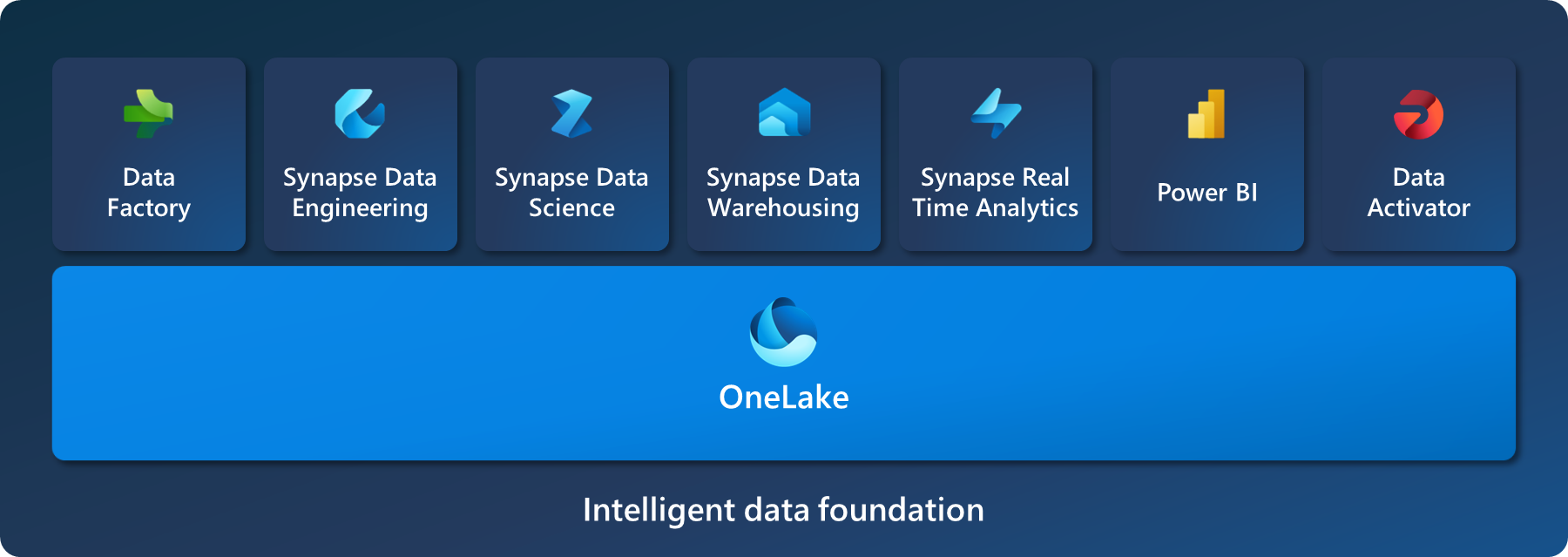
The result is an environment where data is always up to date, consistent, and ready to use: both in daily reports in Microsoft Power BI and in consolidation, controlling, or budgeting processes.
Data that begins to “speak”
Data that until now existed only as another set of files on our drives begins to speak to us. Quite literally – thanks to built-in AI agents and integration with Microsoft Teams, we can interact with it as if we were talking to a specialist in the organization who supports us in everyday work and business decision-making.
OneLake – who is this solution for?
If manual processes of collecting, verifying, and consolidating data slow down the work of teams in your organization, OneLake is a solution for you. Instead of spending time searching for information, you can start directly with analysis and results.
Webinar: OneLake in practice
If you’d like to see how to organise scattered data based on OneLake, I invite you to ANEGIS’s free webinar on 23rd April, where you’ll see what data centralisation looks like in OneLake and much more. Register here.
FAQ
Do we have to physically move all our data to OneLake?
No. Thanks to the shortcut mechanism, the data can remain where it already is (for example on existing SharePoint sites or Azure Storage accounts), while OneLake simply catalogs it. There is no need for a costly and risky migration – a logical connection is created, and the organized data is ready for analysis in seconds.
Does implementing OneLake mean that business teams must stop using Excel?
Absolutely not. This is one of the biggest advantages of the solution. Business users continue working in their natural environment (Excel, SharePoint), treating it as an interface for entering data. Microsoft Fabric operates “under the hood,” automating what previously had to be done manually: data retrieval, cleaning, and consolidation – without disrupting employee habits.
What happens if a user enters incorrect data in an Excel file or changes a column name?
In the traditional model, such an error could “break” a Power BI report. With OneLake, there is an intermediate layer between the Excel file and the report that validates the data (checking data types, required columns, etc.). If the file contains errors, the process rejects it and sends a notification to the data owner instead of blocking the final report.
How quickly will data entered on SharePoint appear in reports?
It depends on the configuration, but the delay is minimal. It is possible to react to events (for example when a new file appears) or operate on a schedule (for example every hour). Compared to traditional consolidation processes, this means access to data in near real time.
Is centralizing data in OneLake secure?
Yes, and it is more secure than storing files on shared drives or sending multiple document versions around the organization. Instead of managing permissions for hundreds of separate files scattered across the company, access is managed at the OneLake folder level. The IT department has full control over who can see the data, and auditing mechanisms allow tracking how information is used.
